
Purchase Order Receive
Here the user can view the list of generated and executed purchase orders.
Follow the mentioned steps to view the purchase order receive list.
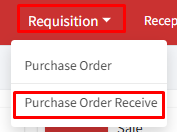
Step 1: Go to > Requisition > Purchase Order Receive.
Step 2: A list of purchase orders will be displayed on the screen with details, ‘Receive date’, ‘Challan No.’, ‘Challan Date’, ‘Receive Type’, and ‘View’ columns.
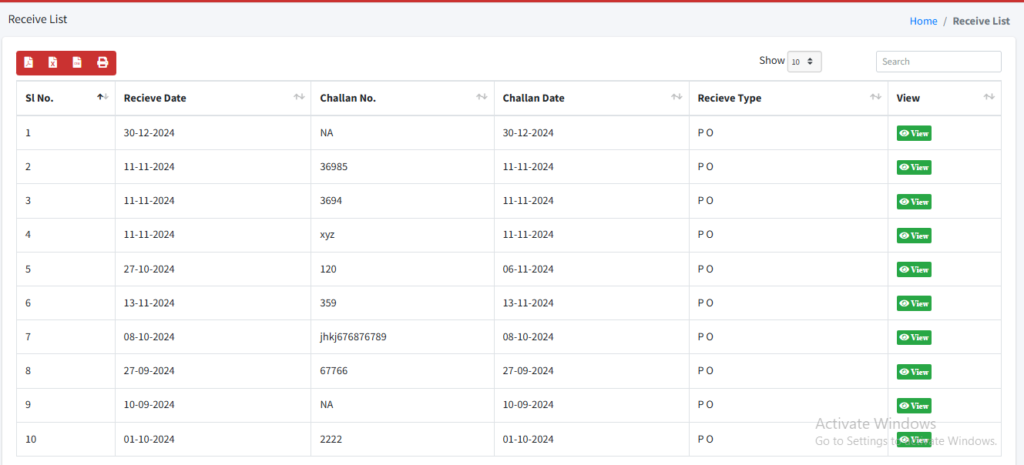
Step 3: Click on the view button  to see the detailed information on the purchase order.